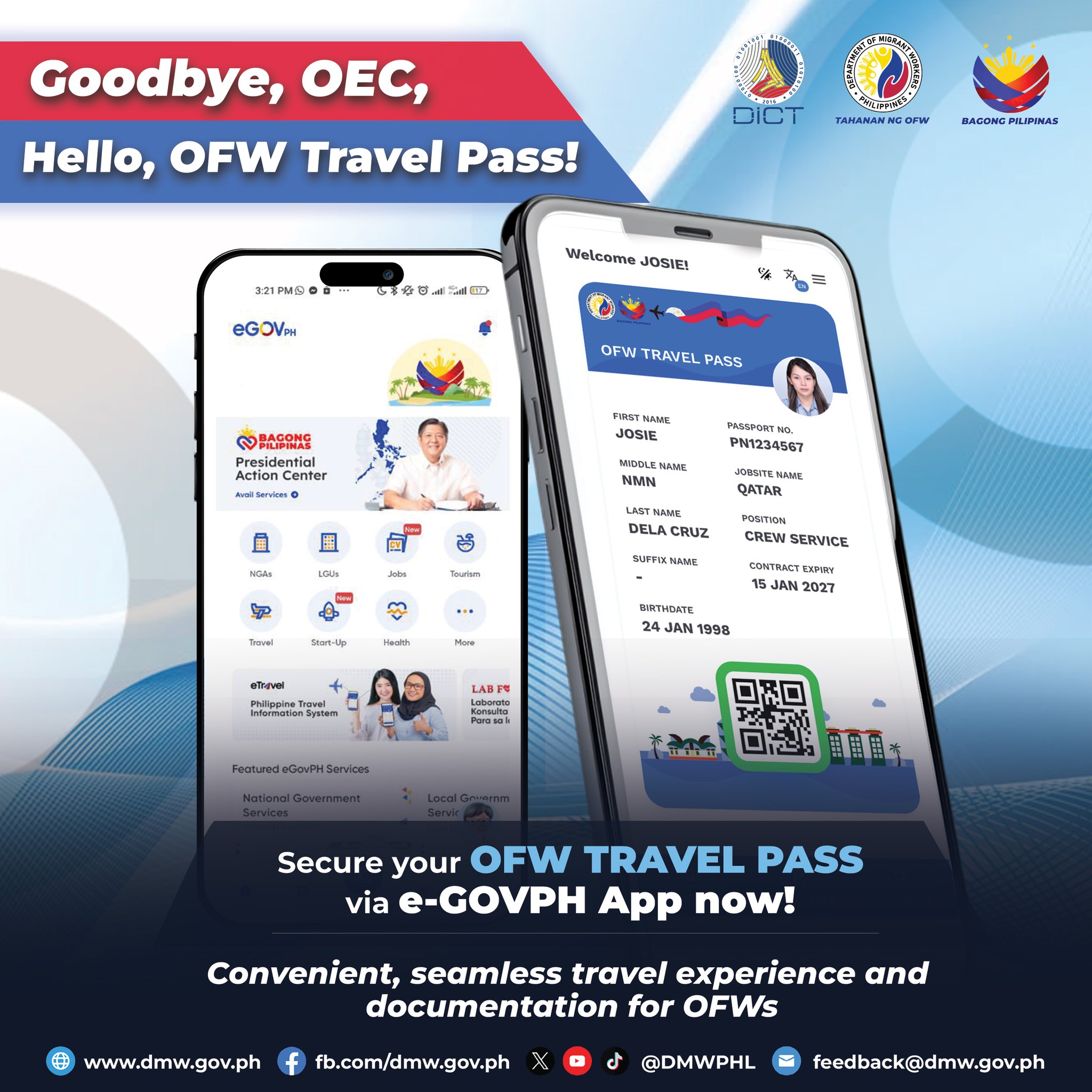


HOW TO SECURE AN OVERSEAS EMPLOYMENT CERTIFICATE (OEC/OFW PASS)
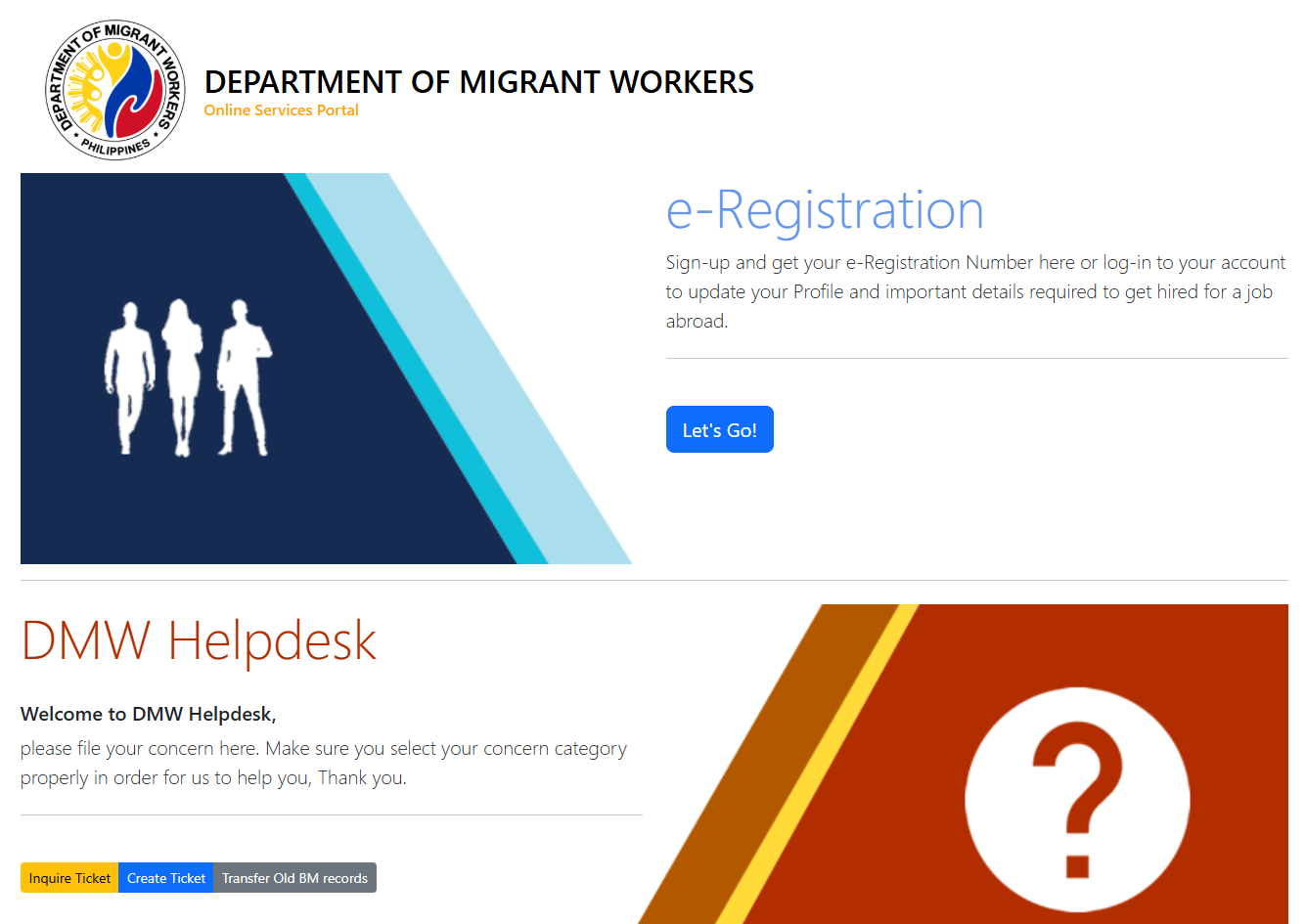
Using E-Registration / POEA Online Services
- Visit the website bit.ly/3y2skJC or https://onlineservices.dmw.gov.ph/OnlineServices/POEAOnline.aspx
- Click LET’S GO
- Login to your Account
- Click on “DASHBOARD”
- Click “BALIK MANGGAGAWA”(Right Side)
- Click “NEXT”
- Click “PRINT OEC”
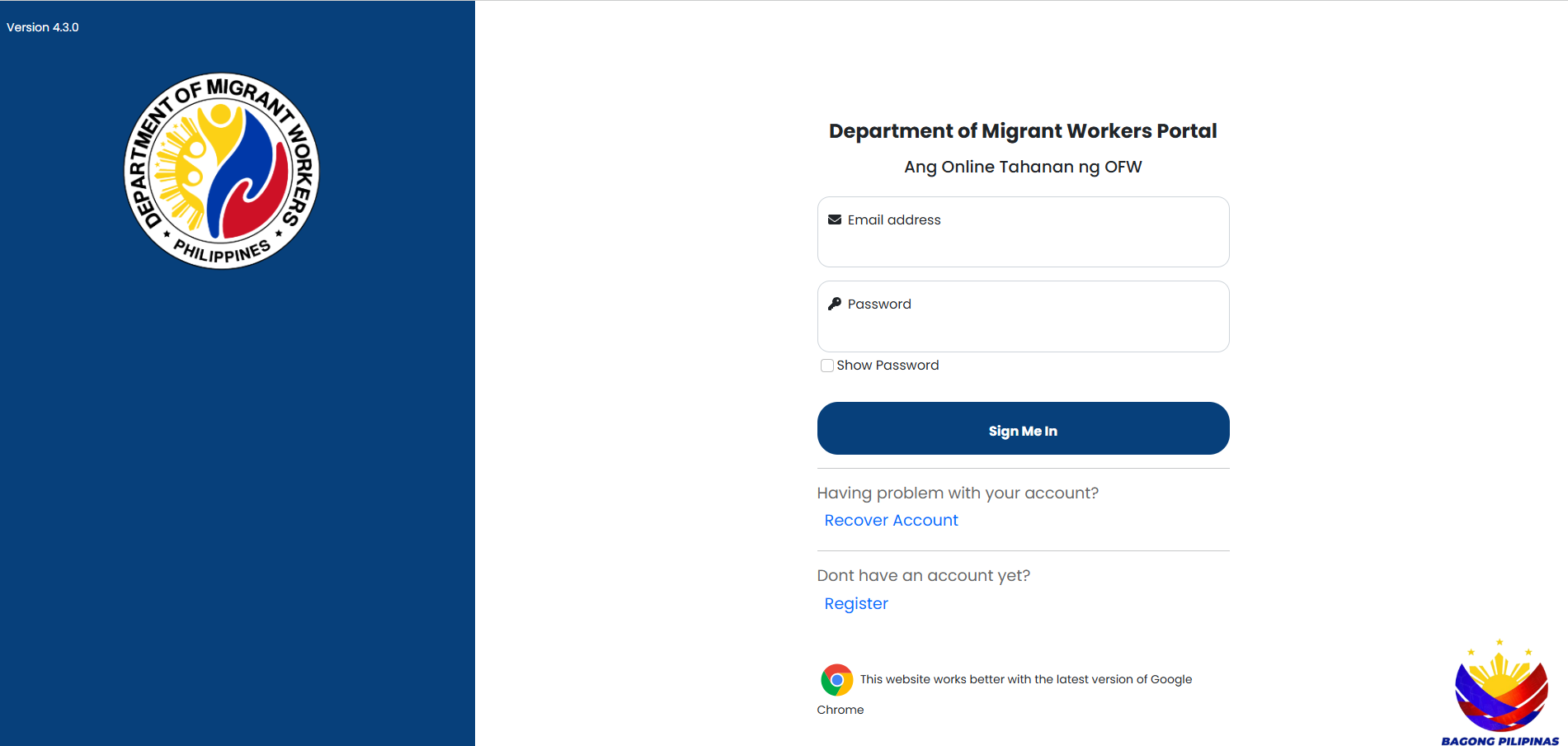
Department of Migrant Workers Portal
- Go to this site: https://portal.dmw.gov.ph/
- Enter your registered email and password (Click “Recover Account” if you are having issues logging in)
- Once in, click the “Exit Clearance” button located at the left side of the dashboard
- Click the “Print” button or scan the QR code to print your OEC
DMW Mobile App
Step-by-Step Instructions for the DMW Mobile App
- 1. Download and Register
- Download the DMW Mobile App from the App Store (iOS) or Google Play Store (Android).
- Open the app and register using your active email address.
- Enter the One-Time Password (OTP) sent to your email.
- Create a strong password and complete your profile by filling in your personal details.
- Accept the Data Privacy Policy.
- 2. Verify Your Account (Profile Completion)
- Upload a clear photo of your passport data page.
- The app may require a selfie or facial recognition for verification.
- Ensure your personal details match your passport.
- 3. Get the OFW Pass
- On the app dashboard, tap “OFW Pass”.
- The app will verify your information against the DMW database.
- Review your employer, job site, and contract details.
- Once verified, your OFW Pass will appear as a QR code.
- 4. Using the OFW Pass
- Save/Screenshot: Save the generated QR code in your phone’s gallery for offline access at the airport.
- Validity: The OFW Pass is valid for the duration of your contract.
- Usage: Show this digital pass to Bureau of Immigration officers at the airport.
- Important Reminders
- Eligibility: Currently used for Balik Manggawans (returning workers) in selected locations.
- Requirements: You must have an active employment contract and a valid work visa in your host country.
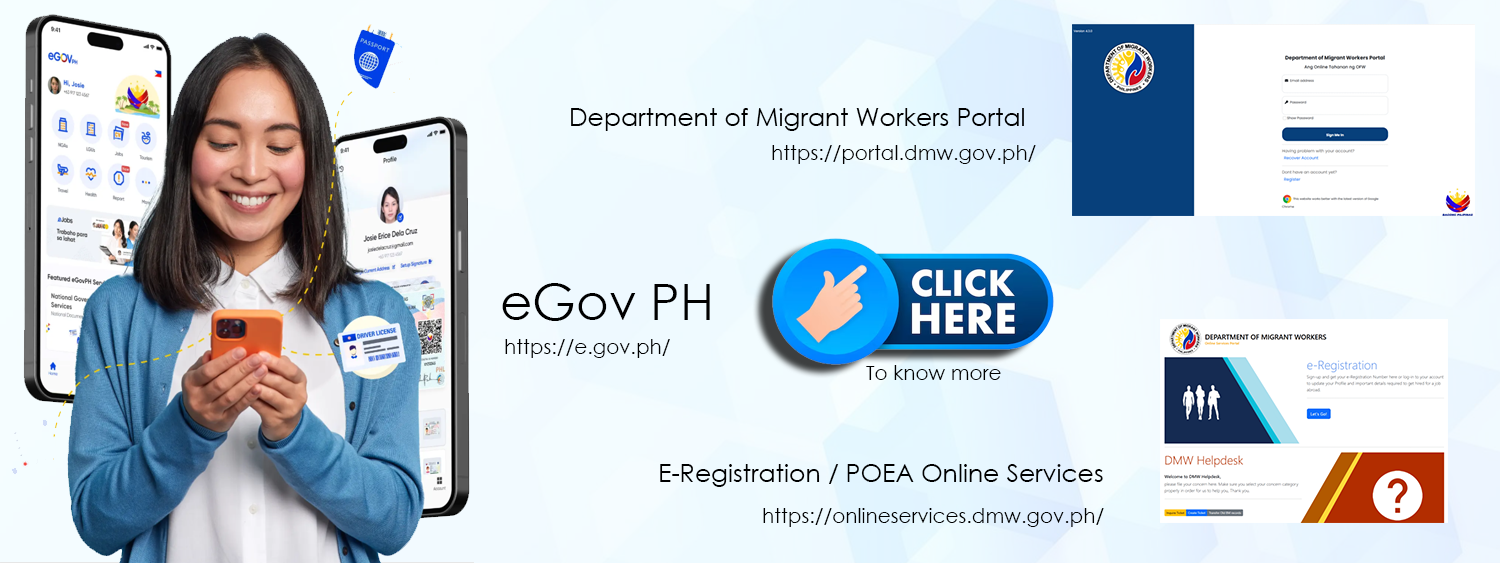
- Alternative: If the DMW app is not working, you may use the eGovPH app to generate the OFW Travel Pass.
- Cost: The OFW Pass is free.