



How to Acquire OEC Exemption for SAME EMPLOYER
Please update your PASSPORT DETAILS and EMIRATES ID DETAILS before getting OEC Exemption
Updating E-Registration Passport and Emirates ID
Note: Before you do the OEC Exemption make sure that your Passport and Visa details are updated
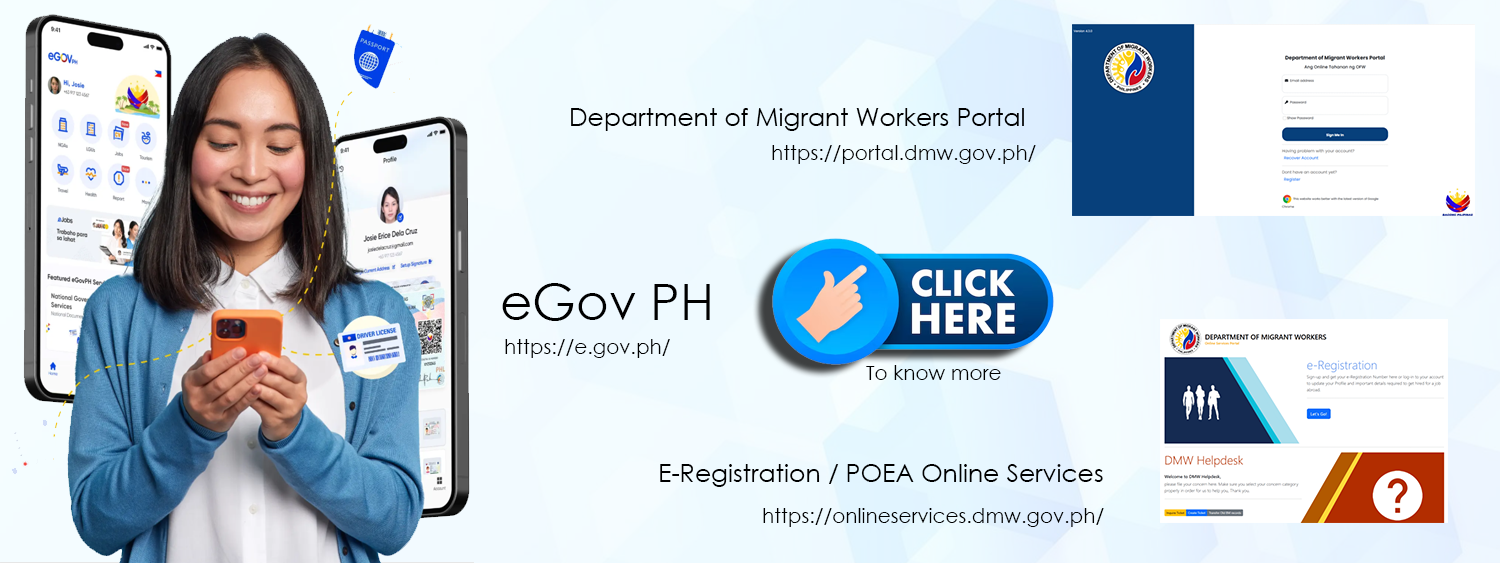
- STEP 1: Go to https://bit.ly/3y2skJC (Or https://onlineservices.dmw.gov.ph//OnlineServices/POEAOnline.aspx)
- STEP 2: Click ony “My Profile”
- STEP 3: Scroll down or look for “Identifications Tab”, under Identification you will see your “PASSPORT” and “WORKING VISA“
- STEP 4:
- Delete the old details of the PASSPORT, if you have a new passport
- Delete the old details of WORKING VISA, if you have a new VISA or EMIRATES ID
- STEP 5: Click on “Add New Identification” and select PASSPORT if you have a new passport, select WORKING VISA if you have a new VISA OR EMIRATES ID
- STEP 6: Fill the up the details then click “SUBMIT“
OEC for SAME EMPLOYER
Note: Only for same employer with SAME COMPANY NAME/SPONSOR and POSITION
- STEP 1: Go to https://bit.ly/3y2skJC (Or https://onlineservices.dmw.gov.ph//OnlineServices/POEAOnline.aspx)
- STEP 2: Click My Contracts on your top right-hand side to check if your old records have already been matched to your POPS-BaM account.
- STEP 3: If your old record is already present on your account, go back to your Dashboard, click Balik-Manggagawa, then click NEXT
- STEP 4: Enter your Return Flight Date, then click NEXT
- STEP 5: If you are a returning BM, you will be asked if you are returning to the
- (4a) same EMPLOYER,
- (4b) same JOBSITE, and
- (4c) same POSITION.
- Please read the message carefully, then click your response to proceed.
- *Click YES if details are the same based on your latest VISA. Then proceed to STEP 6 Otherwise, click NO, then you will be redirected to set an appointment.
- STEP 6: Update information needed, Note: Please change the Country to Philippines then revert back to United Arab Emirates then click SUBMIT.
- STEP 7: Click PRINT OEC